Safety first. Quick exit (or Esc twice) leaves this page instantly. It does not clear your browsing history.
Need an interpreter? Call TIS National on 131 450 and ask for 1800RESPECT.
iPhone codes to check for spyware: what they really do
No dial code detects spyware. *#21# and *#62# ask your phone company whether calls are being forwarded, and ##002# cancels call forwarding. They can reveal diverted calls, but they cannot see apps, profiles or who is signed in to your accounts.
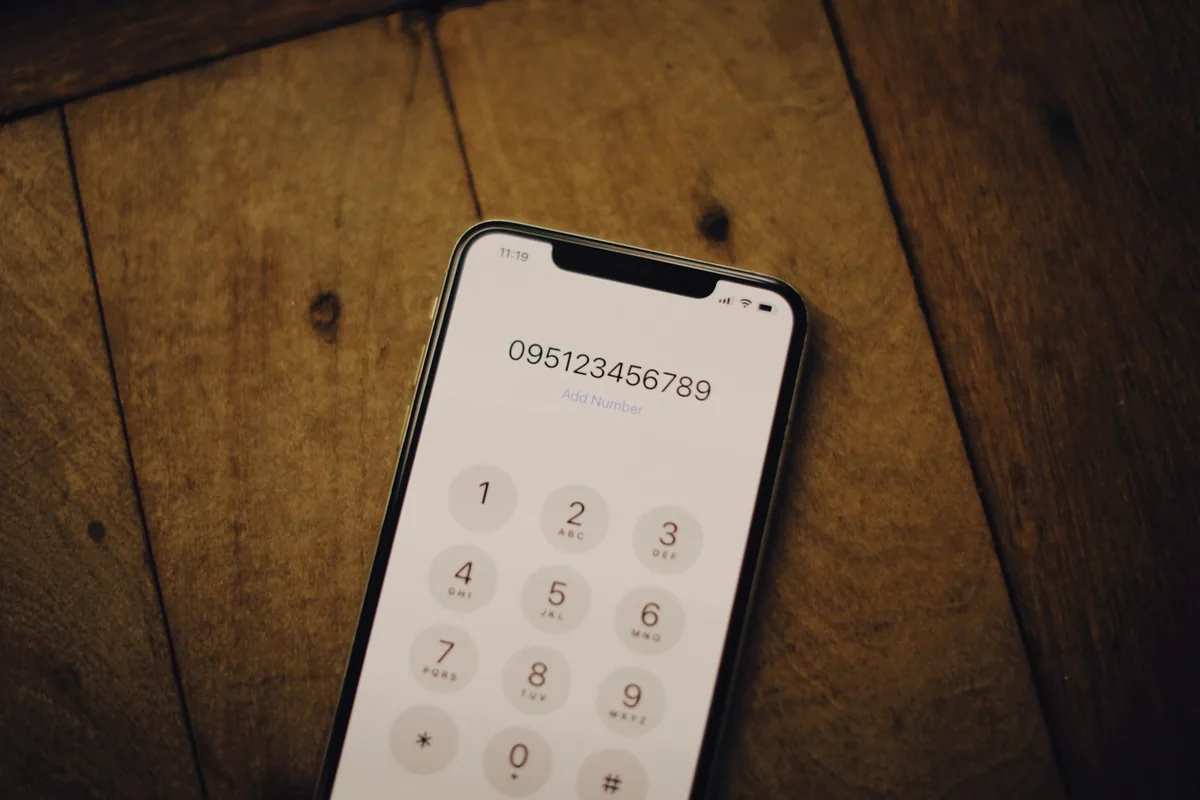
Tap a code to see what it really does
*#21#: is all call forwarding on?
What it does: asks your phone company whether every call is being forwarded somewhere else.
If it shows a number you do not know: your calls may be going elsewhere. Call your phone company from a safe phone.
What it cannot tell you: anything about apps, spyware or account access.
*#62#: where do calls go when you are unreachable?
What it does: shows where calls are sent when your phone is off or out of range.
If it shows a number: it is often your phone company’s voicemail. Check the number with them before assuming the worst.
What it cannot tell you: anything about apps or spyware.
##002#: cancel all call forwarding
What it does: switches off every call divert on your number.
Be careful: it can switch off settings you want, and someone who set up a divert may notice it has gone. Plan it with a support worker.
What it cannot do: remove spyware or log anyone out of your accounts.
Code meanings from Telstra’s support pages. Other networks use the same standard codes.
Checks that mean something
Safety Check
On iOS 16 and later, it shows which people, apps and devices can reach your information.
Signed-in devices
iPhone: Settings, tap your name, scroll to the device list. Google: google.com/devices.
Forensic examination
Every app including hidden ones, administrator and accessibility access, profiles and install dates, documented.
Before you remove anything: deleting an app or resetting the phone destroys evidence and can alert the other person. The eSafety Commissioner suggests working through safety steps with a support worker.
Spyware code questions
Is *#21# a spyware check?
No. It checks whether all your calls are being forwarded. Norton, a security company, puts it plainly: there is no code for detecting spyware.
What does ##002# do?
It cancels all call forwarding. Check with your phone company first, because it can switch off settings you want.
How do I check my iPhone for spyware then?
Use Safety Check (iOS 16 and later), review the devices signed in to your Apple Account, and check location sharing. A forensic examination gives a documented answer you can give to police or a solicitor.
Sources
- Telstra: Forward calls on your mobile
- Telstra: Cancel all diverts on iPhone
- Norton: How to tell if your phone is monitored
- Apple Personal Safety: Safety Check
- Apple: Review devices signed in to your Apple Account
- Google: See devices with account access
- eSafety Commissioner: Online safety checklist
Checked against each source in October 2026 by Viktor Burcevski, Wildfire Data Recovery. General information, not legal advice.
Worried about spyware?
See what a forensic check actually finds, or talk to us safely before changing anything.