⚠ Do now
Data recovery Bribie Island
Specialist recovery without the Brisbane drive.
Send a failed hard drive, SSD, phone, RAID, NAS or flash device from Bribie Island using Wildfire’s free Australia Post Express process. Track the case, message the lab and approve work from your client account.
Free diagnosis
No Data, No Fee
Prepaid Express label
Secure client portal
Recent lab activity
Specialist data recovery for Bribie Island and nearby communities.
This page serves local homes, businesses, photographers, schools and IT providers without pretending Wildfire operates a Bribie Island shopfront.
Banksia Beach
Bongaree
Bellara
Woorim
White Patch
Sandstone Point
Ningi
Beachmere
No local drop-off address is required.
Start online and Wildfire will guide the assessment and Australia Post Express process.
96%
Overall success rate
Across recoverable device categories
15,221
Successful recoveries
As displayed on Wildfire’s main website
24/7
Emergency service
For business-critical and evidence matters
4.8★
Google review rating
Read current reviews
ISO 14644-1 cleanroom classification
ACE Lab / PC-3000 tooling
Cellebrite forensic platform
Australian owned · Brisbane laboratory · Since 2018
Start with the failure
What happened to your device?
Choose the closest symptom. The page responds with the immediate precaution, likely recovery path and the most relevant technical service.
Important first step
Stop reconnecting or power-cycling it.
A device that disappears can have logical, firmware, electronic or physical faults. Repeated testing does not identify which fault is present and can make some failures harder to recover.
Do this now
Leave the device powered off
Likely service
Hard drive or SSD recovery
How local recovery works
A clear process from Bribie Island to the laboratory.
The page explains what happens before, during and after shipping, so clients know exactly where the device is and what decision comes next.
1
Submit the device and failure details
Include the model, symptoms, previous recovery attempts and the data that matters most.
2
Receive your Express Post instructions
Wildfire provides the label process so the device can be sent without travelling into Brisbane.
3
Follow assessment and recovery online
Use the client account for progress, lab messages, quote decisions, documents and delivery updates.
4
Receive verified recovered data
The result and return-tracking information stay attached to the recovery case.
Interactive recovery planner
Local save ready
Standard
Build a useful case brief before you submit.
The planner produces immediate precautions, a likely service path, shipping guidance and a copyable brief. It does not diagnose the device or promise a recovery outcome.
Prepare my Bribie Island recovery
Your selections are stored only in this browser so you can return and finish the plan later.
Your recovery plan
Do this now
Likely service path
Express Post guidance
Recovery services for Bribie Island
HDD
EXT
SSD
MOB
RAID
USB
FOR
NAS
SD
The right specialist path for the actual failure.
Each card links to a live Wildfire service page, so visitors can move directly from the local page to the relevant technical information.
Hard drive recovery
Clicking, beeping, dropped, not detected, mechanically failed, corrupted or accidentally formatted internal hard drives.
Explore hard drive recovery →External drive recovery
Portable drives affected by impact, failed USB bridges, damaged connectors, enclosure faults or logical corruption.
Explore external drive recovery →SSD and NVMe recovery
Controller, firmware, power, NAND and logical failures affecting SATA, external, M.2 and PCIe solid-state storage.
Explore SSD recovery →Phone and tablet recovery
iPhone, Samsung, Google Pixel and other devices affected by liquid, physical damage, failed boards, deletion or access problems.
Explore mobile recovery →RAID and NAS recovery
Degraded arrays, failed rebuilds, multi-drive faults, controller failures and business-critical storage incidents.
Explore RAID recovery →USB and memory-card recovery
Broken connectors, unreadable flash storage, damaged camera cards and accidentally deleted photos or files.
Explore flash recovery →Forensic recovery
Evidence-sensitive matters, deleted-data recovery and cases requiring documented handling or a forensic workflow.
Explore forensic recovery →NAS recovery
Synology, QNAP, WD My Cloud and other network-storage failures, including proprietary layouts and multi-drive systems.
Explore NAS recovery →SD and camera-card recovery
Deleted shoots, unreadable cards, controller faults, snapped media and damaged professional photography storage.
Explore SD-card recovery →
The Wildfire difference
Explore the laboratory
Evidence clients can check, not just promises.
Wildfire presents itself as an engineer-led recovery and forensic laboratory rather than a general computer shop running consumer software. This section brings that distinction into the local page.
Imaging-first protocols
Recovery work begins by preserving and imaging the available data wherever the device condition allows.
- Data-integrity preservation
- Structured case workflow
- Reduced unnecessary writes
Talk to real engineers
Clients can discuss the failure with people who understand the device and recovery method rather than a scripted call centre.
- Plain-English explanations
- Direct technical consultation
- No overseas outsourcing claim on the main site
ISO Class 100 cleanroom
Controlled-air facilities support mechanical hard-drive work where open-drive handling is required.
- Head replacement capability
- Platter-level procedures
- Controlled working environment
Professional recovery tooling
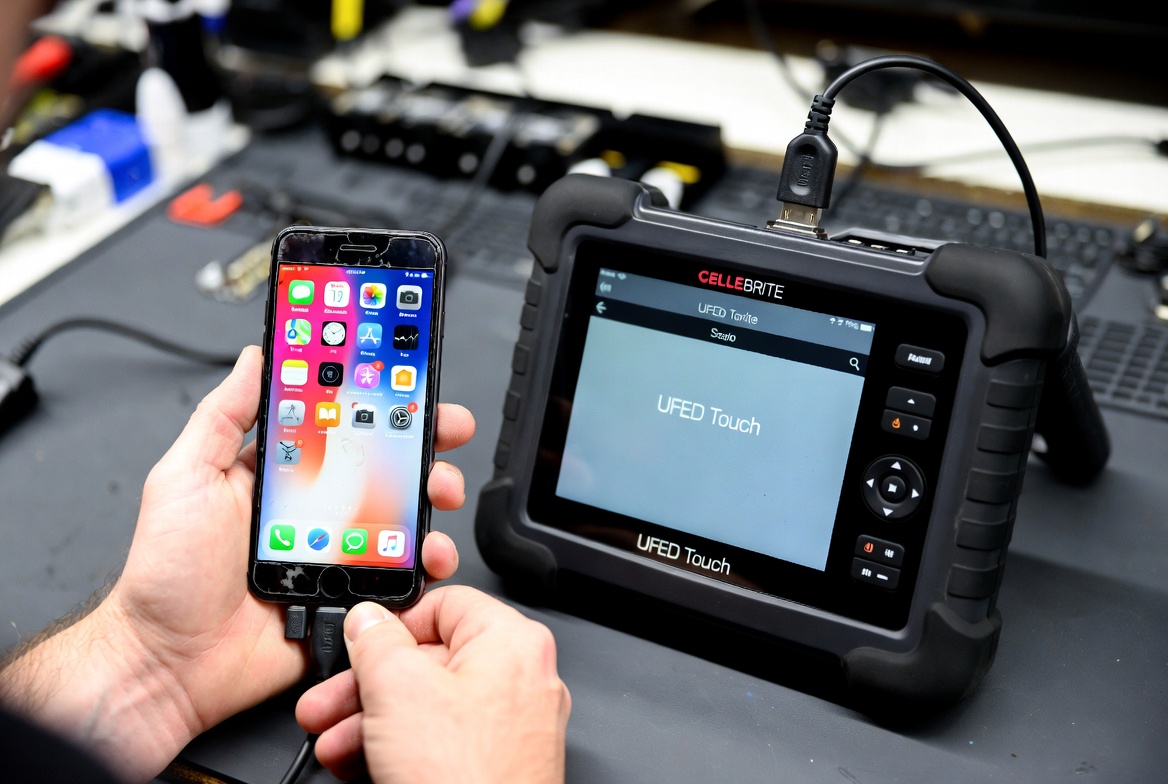
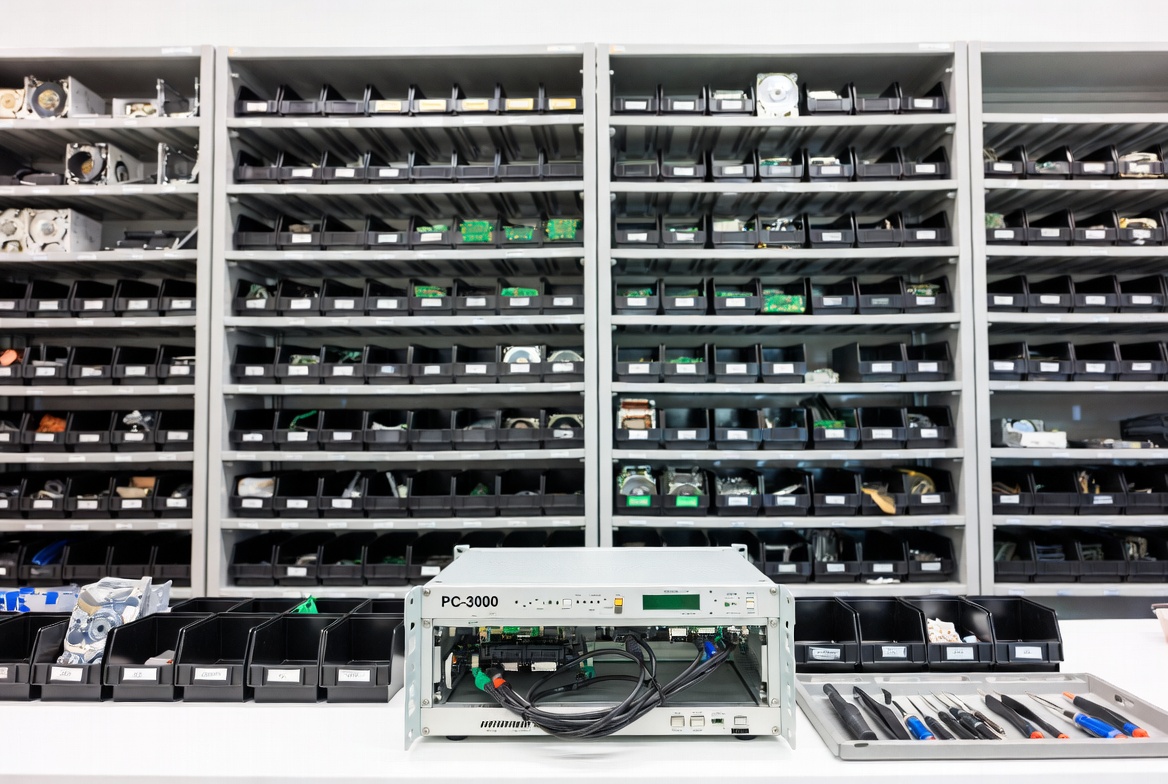
The main site lists PC-3000, HDDSurgery, Cellebrite UFED, Oxygen Forensic and Magnet Forensics among the laboratory tools.
- Firmware and drive work
- Mobile extraction
- Forensic analysis
Secure client visibility
The client account brings live progress, engineer messages, quote approvals, protected documents and shipping information together.
- Live recovery timeline
- Secure messaging
- Case history in one place
Australia-wide access
Bribie Island clients can begin online and use the prepaid Express Post process rather than relying on an invented local storefront.
- Free incoming label process
- Online submission
- Return tracking attached to the case
Free Australia Post Express process
Prepare the device without an unnecessary trip.
Wildfire provides the prepaid label process. The client packages the device securely and can retain a saved dispatch checklist in this browser.
1
Submit the recovery first
This lets the lab identify dangerous batteries, unusual devices or evidence-sensitive handling before shipping.
2
Receive the label and instructions
Wildfire sends the Australia Post process for the approved incoming recovery.
3
Use rigid packaging and internal padding
The device should not move inside the box and should be protected from impact and static where appropriate.
4
Keep the tracking record
Retain the lodgement receipt and follow the recovery through the Wildfire client account after intake.
My dispatch checklist
0 of 7 steps completed
A hot, swollen, punctured, smoking or fire-damaged battery should not
be posted using ordinary instructions. Call Wildfire on
1300 806 557 before transport. Review the
Australia Post prohibited and restricted items guidance.
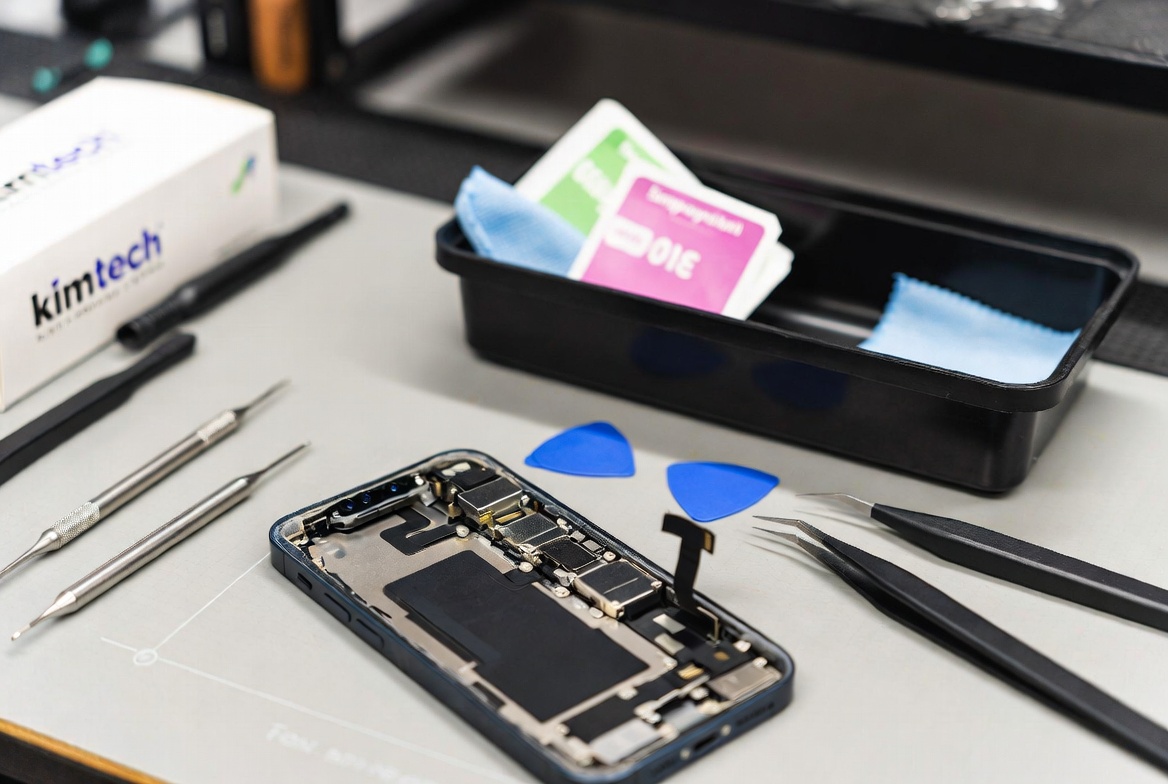
Inside the Wildfire laboratory
Select a photograph to enlargeA visual tour of the office, benches and specialist equipment.
Open any image for a closer view. These original Wildfire photographs show the working environment behind the recovery process.


Local recovery situations
Built around the failures Bribie Island clients actually need explained.
The page now speaks to different local users and devices instead of repeating one generic suburb paragraph.
01
Coastal and liquid exposure
Phones and drives affected by salt water
Stop charging or powering the device. Record whether the exposure involved sea water, fresh water or another liquid before submission.
02
Small business continuity
Accounting, client files and office storage
Include the operational deadline, affected staff and whether the failed device contains the only current copy.
03
Photography and media
SD cards, external drives and deleted shoots
Stop using the card or drive immediately and list the missing date ranges, cameras, folders or project names.
04
Home and family data
Irreplaceable photos, messages and documents
Identify the specific files that matter most so recovery can be assessed against the client’s real goal.
05
NAS and backup failure
Synology, QNAP and multi-drive systems
Avoid forced rebuilds, drive-order changes and reinitialisation. Record every warning and change made before the failure.
06
Legal and forensic matters
Deleted, locked or evidence-sensitive devices
Preserve the device, limit handling and mention chain-of-custody or court deadlines at the first contact.
A better client journey
The recovery does not disappear after the parcel is posted.
The Wildfire client account keeps the practical parts of the case together, reducing uncertainty and repeated status calls.
LIVE
Recovery stage and progress
See the current laboratory stage and the next expected action.
MSG
Secure messages with the laboratory
Keep technical questions and replies attached to the correct job.
OK
Quote approvals and protected documents
Review decisions and download reports from the signed-in account.
POST
Express Post and return tracking
Keep shipment information alongside the recovery history.
Wildfire client recovery portal
Recovery WF-2026-2729
Current stage
Recovery imaging
Progress
62% complete
Next action
Verification
Compare recovery providers
Questions worth asking before handing over the only copy.
This framework helps visitors compare any provider without relying on unsupported attacks, vague promises or an invented local office.
Reference this Bribie Island recovery guide
Local IT providers, businesses and community organisations can copy this citation when linking to the page as a data-loss resource.
Wildfire Data Recovery. “Data Recovery for Bribie Island: Free
Express Post Recovery Guide.”
https://wildfiredata.com.au/data-recovery-bribie-island/
Is the work handled by a specialist recovery laboratory?
Ask whether the provider performs the technical work directly, what
equipment is used and whether the device is forwarded somewhere else
after intake.
Will the provider stop if continued work could increase risk?
A clear diagnostic and approval stage helps prevent unexpected work
from proceeding without the client’s decision.
Can the client track progress and communicate securely?
A useful client account keeps tracking, engineer messages, quote
decisions, documents and delivery details attached to the correct case.
Are diagnosis, fees and approval points explained clearly?
Ask what the assessment includes, when a recovery fee becomes payable
and how the client reviews the result before completion.
How are evidence-sensitive or legal matters handled?
Legal and forensic matters may need documented handling, careful
preservation and a workflow different from an ordinary personal recovery.
What happens if the device contains a dangerous battery?
Hot, swollen, punctured or fire-damaged batteries should be discussed
with the provider before any attempt to transport the device.
Does the provider explain where the device is physically handled?
Ask where assessment and recovery take place, whether the device leaves
Australia and who has access during the recovery process.
Expert knowledge from Wildfire
Useful guidance clients can return to and share.
These live Wildfire resources add depth, help visitors make safer decisions and give other local websites useful pages to reference.
Shipping guide
Mail-in recovery and prepaid Express Post
Understand the intake, packaging and Australia-wide shipping process.
Read the shipping guide →
Mobile recovery
iPhone water damage: what to do first
Practical steps for liquid exposure before corrosion and repeated power attempts make the situation worse.
Read the water-damage guide →
Small business
The real cost of business data loss
A detailed Australian guide covering downtime, recovery and business-continuity risks.
Read the business guide →
Data protection
Ransomware prevention and recovery planning
Learn how preparation, backups and recovery strategy affect the outcome of a cyber incident.
Read the ransomware guide →
Bribie Island data recovery questions
Straight answers before you start.
These answers are also included in the page’s FAQ structured data.
Does Wildfire have a shopfront on Bribie Island?
No Bribie Island shopfront is represented on this page. Local clients
begin online and use the Wildfire Australia Post Express process to
send the device to the specialist laboratory.
How do I request the free Express Post label?
Submit the device and failure details through the Wildfire job form.
The laboratory reviews the information and provides the next shipping
instructions for the recovery.
Can I send a clicking hard drive from Banksia Beach?
Yes. Stop powering the drive, record the noise and any previous
attempts, then request assessment and shipping instructions before
trying the drive again.
Can a salt-water damaged phone be assessed?
Liquid-damaged phones can be assessed, including salt-water exposure.
Avoid charging or repeatedly powering the phone and describe the
exposure accurately in the submission.
Can I track the recovery after the device arrives?
Wildfire’s client account is designed to show recovery progress,
engineer messages, quote decisions, documents, shipping information
and recovery history.
What should I do with a hot or swollen phone?
Do not post it using ordinary instructions. Stop using and charging
the device, keep it away from combustible material and call Wildfire
before transport.
Do I need to travel from Woorim or Bongaree to Brisbane?
The page is designed for clients who prefer to start online and use
the Australia Post Express process rather than travelling to Brisbane.
Can businesses around Bribie Island submit urgent cases?
Yes. Include the operational deadline and business impact when
submitting the case, or call Wildfire when the matter is time-critical.
Start from Bribie Island
Tell the laboratory what failed. Wildfire will guide the next step.
Submit the case for assessment and Express Post instructions, call when the data is urgent, or sign in to an existing client account.
Recovering data from Bribie Island?
Assessment and prepaid Express Post process
Start recovery