⚠ Do now
Apple · iPhone & iPad · Brisbane lab · Australia-wide mail-in
iPhone data recoverydone with proof.
Smashed, dead or drowned — the photos, messages and videos on your iPhone are usually still recoverable. Free diagnostic, a list of your files and a fixed quote before you pay a cent.
1300 806 557Free diagnostic · Fixed quote · 24/7 emergency option
Google ★ 4.8 — 95 reviews
Facebook ★ 4.8
92% recovery rate
How much will it cost?
Tell us about your iPhone — we’ll come back with a free diagnostic plan and a fixed quote before any work starts.
“Great communication with fast service, managed to retrieve all family photos and videos off a broken hard drive.”
“Our entire business runs on that server. When it failed, we thought we’d lost 5 years of client records. Wildfire recovered everything in 4 days. They saved our company, I’m not exaggerating.”
“Had a massive problem with my iPhone X as it suffered water damage. It was successfully recovered by Viktor. I did not back up this iPhone X which was a problem & bought a new iPhone 16 Pro Max as the other one was old. The data off the old iPhone was put into the Cloud & I downloaded from there onto the new iPhone which took about 5-6 hours to do from my end & it was easy to do. The phone now feels & resembles with the same look I have on my previous old iPhone. Many thanks to Viktor who provides a great service.”
“Absolutely outstanding service from Wildfire Data Recovery! We came to them with several locked Samsung and ZTE mobile phones that we could no longer access due to forgotten or lost PIN codes. From the beginning, their team was incredibly knowledgeable, transparent, and professional. They were able to bypass the lost PIN numbers and also recover them all for us, so we can now use our phones again.”
“Wildfire Data Recovery were fantastic to deal with from start to finish. Extremely responsive to any customer requests and we able to perform data recovery and phone repair where Samsung official repairer advised they would not likely be able to preserve the data. Very satisfied with Viktor and his team. Highly recommend 👌”
“Viktor is an absolute legend! I hit the worst-case scenario with BitLocker locking me out completely a problem that could’ve cost thousands. Viktor stepped in and had it fixed in mere minutes. He didn’t just fix it; he guided me step‑by‑step exactly what to do. Thanks to his clear, expert directions, everything was sorted quickly and stress‑free. Massive thanks to Viktor.”
“This was my first time needing data recovery, and I’m so glad I went to Wildfire Data Recovery. After spilling coffee all over my laptop, I thought everything was lost—but Viktor was incredibly reassuring and got to work right away. He and his team are extremely fast, professional, and communicative throughout the process.”
“Excellent Data Recovery and re set up. Viktor goes above and beyond to explain everything regardless of how long it takes. After disasters through the years gone by with other so-called experts, it was stessfree and a relief to discover Wildfire. Excellent pricing and communication. ☆☆☆☆☆ Highly recommend 👌”
The 20-second answer
Yes — iPhone data recovery works in most cases, even when the phone is smashed, dead or water-damaged, because the storage chip generally survives whatever killed it. Wildfire Data Recovery repairs the phone at board level in our Brisbane laboratory until it can be unlocked with your passcode and every photo, message and video copied off. Free diagnostic first, fixed quote second, proof of your files before payment. Post it free from anywhere in Australia: 1300 806 557.
Broken iPhone? Don’t panic.
- Completely free, no-obligation diagnostic — with a free Express post-in label, Australia-wide.
- See a list of your recoverable files and a fixed quote before you pay a cent.
- 92% recovery rate across 15,000+ jobs since 2016.
An iPhone holds years of photos that exist nowhere else — and when one dies, the advice you’ll get at a phone shop is usually “it’s gone, buy a new one.” Most of the time that’s wrong. The NAND storage chip is one of the toughest components on the board, and it routinely survives smashed screens, drowning, charging faults and even fire — which is why iPhone photo recovery succeeds far more often than people expect.
Our engineers work under the microscope: board-level fault tracing, micro-soldering and donor parts, with ISO Class 5 rated clean-air equipment on the bench. The phone doesn’t need to live — it only needs to run long enough for us to copy everything off it.
Know your iPhone
Every generation breaks its own way
Pick your iPhone and see what actually fails on it — the patterns below come off our bench, not a brochure.
USB-CVertical cameraNewest boards
iPhone 16 series 2024–25
What we see most
- Impact and liquid damage — the phones are too new to fail on their own, so it’s accidents that bring them in.
- No-power after a hard drop: one shorted line on a very densely packed board.
- USB-C port damage from third-party chargers and grit.
What that means for recovery
- Storage is paired to the processor, so “just move the chip” isn’t a thing — recovery is careful board repair until the phone boots for extraction.
- Fault tracing under the microscope, component-level replacement, then a full copy with your passcode.
Bench note: the newest iPhones are the strongest argument for acting fast — a clean, early repair on a lightly-damaged board is a very routine recovery.
First USB-CGlass back
iPhone 15 series 2023
What we see most
- Shattered back glass and corner impacts — the flat-edge design sends shock straight into the board.
- The first USB-C generation: worn or damaged ports, and charge-circuit faults behind them.
- Phones that overheated, shut down and never came back.
What that means for recovery
- Back-glass damage looks dramatic but rarely touches the data — these are strong recoveries.
- Charge-circuit faults are classic micro-soldering work: replace the failed stage, boot once, copy everything.
Bench note: a 15 that died “while charging” is usually a power-path fault, not dead storage — don’t let anyone write it off untested.
Dual-entry chassisCrash-detection era
iPhone 14 series 2022
What we see most
- Accident phones — this is the crash-detection generation, and phones that have been through a real crash arrive with real board trauma.
- Deep liquid ingress that sat for weeks before the phone finally died.
- Boot loops after failed iOS updates on already-stressed storage.
What that means for recovery
- The 14’s internal redesign opens from both sides — kinder to work on, which helps on heavy structural damage.
- Chip-level rework is on the table when the board itself is beyond simple repair — we’ve published exactly this recovery on an iPhone 14.
Bench note: see the real iPhone 14 chip-level case further down this page — it’s the generation that proves “dead” is an opinion, not a diagnosis.
Diagonal duoTight parts pairing
iPhone 13 series 2021
What we see most
- Liquid damage on ageing seals — four years in, the water resistance isn’t what it was on day one.
- Dead-on-charger phones: power-management faults on a tightly double-stacked board.
- Screens replaced cheaply elsewhere, with board damage left behind.
What that means for recovery
- The stacked board means real recovery work is deliberate: separate, repair, rejoin — this is exactly what the clean-air bench and microscope are for.
- Parts pairing is tight on this generation, so recovery targets booting your board rather than swapping pieces around.
Bench note: if a repair shop “fixed the screen but now it won’t boot”, stop there — every extra power-on attempt on a damaged board costs you odds.
First flat edge5G board stack
iPhone 12 series 2020
What we see most
- Corner-drop casualties — the first flat-edge generation, and it shows in the board damage patterns.
- Display gone but phone alive underneath: vibrating, ringing, invisible.
- 5G-era power faults: phones that drain hot then one day don’t wake up.
What that means for recovery
- “Black screen but it buzzes” is one of the best cases we get — the data layer is fine, we fit a known-good display and extract same-visit.
- No-power 12s get systematic rail testing; most come down to one failed component.
Bench note: an iPhone 12 that still vibrates on the charger is telling you the truth — it’s alive, and so are your photos.
Highest-volume genTriple camera
iPhone 11 series 2019
What we see most
- The most common iPhone on our bench, full stop — huge sales run, now six-plus years old.
- Worn batteries triggering shutdown loops and “attempting data recovery” screens after updates.
- Deleted photos and messages — the 11 is the generation we’re asked about most for recovering deleted photos on an iPhone.
What that means for recovery
- Age-related faults are predictable and very fixable — battery-path and power repairs with a strong donor library behind them.
- For deleted content: stop using the phone immediately. What’s recoverable depends on what iOS has overwritten since.
Bench note: if your 11 is stuck on “attempting data recovery” after an update, don’t tap restore — that screen is recoverable far more often than the button under it suggests.
First OLEDcheckm8 era
iPhone X / XS / XR 2017–18
What we see most
- OLED casualties: green lines, half-dead panels and burn-in after drops (X and XS).
- Face ID lost after impact — the dot projector is genuinely fragile.
- Batteries at end-of-life taking the power rails down with them.
What that means for recovery
- Dead displays and dead batteries are straightforward paths back to your data.
- This era (A11 and earlier) also supports hardware-level imaging — the same capability behind our forensic iPhone work — which opens doors on phones other labs return as hopeless.
Bench note: the locked iPhone X case further down this page came from exactly this generation — it’s the sweet spot where deep extraction techniques are at their strongest.
Home buttonMicro-solder classics
iPhone 8 & earlier 2016 and back
What we see most
- The micro-soldering classics: iPhone 7 “loop disease” audio-IC failures, iPhone 6/6 Plus “touch disease”, and charge-IC faults across the era.
- Phones found in drawers after years — a parent’s or grandparent’s photos, on a handset that no longer turns on.
- Batteries so far gone they’ve leaked or swollen against the board.
What that means for recovery
- These faults are documented, understood and very much repairable — this is bread-and-butter board work with a deep donor-part library.
- Hardware-level imaging support is at its best on these models, so even rough condition rarely means lost data.
Bench note: old iPhones are often the most precious jobs we take — the photos on them exist nowhere else. Don’t bin the handset; post it in.
What killed it
Can data from an iPhone be recovered?
Usually, yes — because the storage chip survives most of the things that kill iPhones. Here are the six ways they arrive at our bench, and what each one honestly means for your data.
Smashed screen & back glass
The most common — and most recoverable.
A destroyed display doesn’t touch the storage. We fit a known-good screen or extract directly, unlock with your passcode, and copy everything off.
Excellent recovery outlook
Full smashed-screen guideWater & liquid damage
A race against corrosion.
Salt water, pool water and washing machines eat the board — not the data. Ultrasonic cleaning and corrosion treatment first, then board repair and extraction.
Act fast — don’t charge it
Full water-damage guideDead — won’t turn on
“Dead” usually means one failed part.
A shorted power line, a failed PMIC, one bad capacitor — we trace the fault under the microscope and repair just enough for one full extraction.
Strong recovery outlook
Full dead-iPhone guideBoot loop / Apple logo
Stuck restarting? Don’t restore it.
Failed updates and NAND faults leave iPhones cycling on the logo. A restore wipes everything — controlled diagnosis gets the data first.
Never click “Restore” first
Full boot-loop guideBoard & chip damage
Bent, burnt or crushed.
Run-over and fire-damaged iPhones come down to the condition of the NAND and its companions — micro-soldering, reballing and donor-board work territory.
Assessed case-by-case, free
Full board-damage guideDeleted photos & messages
Deleted isn’t always gone.
We recover deleted photos iPhone owners assumed were gone — Recently Deleted remnants, orphaned databases and un-synced iCloud content. The sooner the phone stops being used, the better the odds.
Stop using the phone now
Full deleted-data guideInside your iPhone
The six chips that decide your recovery
Every “dead” iPhone comes down to one of these. Tap a chip to see what it does, how it fails — and what that actually means for your data.
Tap a numbered chip — or arrow-key through them
NAND storageChip 1 · your data
What it does
Every photo, message and app on your iPhone lives on this one soldered, encrypted chip. There is no hard drive — this is it.
How it kills phones
Corrupted updates (the “attempting data recovery” screen), wear on older phones, and physical cracks when a chassis takes a serious bend.
What it means for your data
Good news: NAND is one of the toughest parts on the board and survives most disasters. Our job is almost never fixing NAND — it’s repairing everything around it until the data can be read.
A-series SoCChip 2 · the keys
What it does
The phone’s brain — and inside it, the Secure Enclave holds the encryption keys that are tied to your passcode.
How it kills phones
Hard impacts crack the microscopic solder under it; heat and bend damage do the same. The phone goes dark even though storage is untouched.
What it means for your data
NAND is useless without its own CPU — they’re cryptographically paired. That’s why “just move the chip” fails, and why real recovery repairs the board so CPU and NAND can talk one more time.
PMICChip 3 · power
What it does
The power management IC turns battery voltage into the dozen precise power rails every other chip needs.
How it kills phones
Drops and liquid short a rail and the whole phone plays dead instantly — no logo, no vibration, nothing.
What it means for your data
This is the classic “dead phone, healthy data” fault. We test the rails, replace the failed component, and the phone wakes up with everything exactly where you left it.
USB / Charging ICChip 4 · the gatekeeper
What it does
Negotiates every charge and USB connection — on older generations this is the infamous Tristar/Hydra chip.
How it kills phones
Cheap chargers and voltage spikes burn it out. The phone stops charging, fake-charges, or drains flat and never boots again.
What it means for your data
The phone looks dead while the storage is perfectly fine. A micro-soldered replacement IC and a verified charge path bring it straight back.
Audio ICChip 5 · loop disease
What it does
The audio codec — microphones, speaker, voice memos all route through it.
How it kills phones
On the iPhone 7 era, normal chassis flex slowly lifts a pad under the chip — “loop disease”. Greyed-out voice memos first, then a phone stuck on the logo.
What it means for your data
The data underneath is intact. Lifting the chip, running a jumper to the damaged pad and re-seating it is a documented, repeatable bench repair.
Display / backlightChip 6 · the lights
What it does
Drives the panel and its backlight — the circuit that turns a working phone into something you can actually see.
How it kills phones
Drops and liquid blow the backlight boost circuit. The screen goes black — but the phone still rings, buzzes and shows up on a computer.
What it means for your data
The best news on this board: your data isn’t even threatened. We repair the circuit or extract through a known-good display, usually same-visit.
Dropped it in water?
Check how urgent your water damage is
Corrosion doesn’t wait, and different liquids eat the board at very different speeds. Answer two questions for an honest read on your situation.
Urgent — act today
Every liquid exposure is urgent: corrosion starts within hours and keeps working while the phone sits in a drawer.
- Switch it off now and leave it off — every powered minute risks a short.
- Don’t charge it and don’t “test it” — that’s how wet phones become dead phones.
- Skip the rice and the hair dryer — neither stops corrosion, and heat makes it worse.
- Call 1300 806 557 — free Express label today, or free Brisbane-area collection.
Want the full picture? Our minute-by-minute guide covers the first 48 hours: Dropped your iPhone in water? What to do, minute by minute.
Before you touch anything
The five mistakes that destroy iPhone data
Most of the phones we can’t save were killable — someone just followed the wrong advice first. Flip each card to see what the “fix” actually does.
Straight answers
What honest iPhone recovery looks like
Every modern iPhone is hardware-encrypted. That’s good for your privacy — and it means anyone promising to “pull the data off the chip” of a locked iPhone isn’t being straight with you. Real iPhone recovery is board-level repair: make the phone run again, unlock it with your passcode, copy everything off.
That’s why our quotes come after diagnosis, not before — and why you see a list of your actual files before you pay. If we assess your phone and the honest answer is “not recoverable,” that’s the answer you get, at no cost.
Your passcode is the key
We recover with your passcode. If you know it, encryption is no barrier to getting your data back.
Unknown passcode? Feasibility first
Forgotten-passcode and deceased-estate cases get an honest feasibility assessment — never a guaranteed outcome, and always with proof of ownership.
Proof of ownership required
We only work on phones you have the right to access — it protects you, and it protects everyone whose phone is stolen.
Off the bench
Real iPhone recoveries, not stock photos
Details anonymised, outcomes real. This is what the work actually looks like.
Case file · Forensic

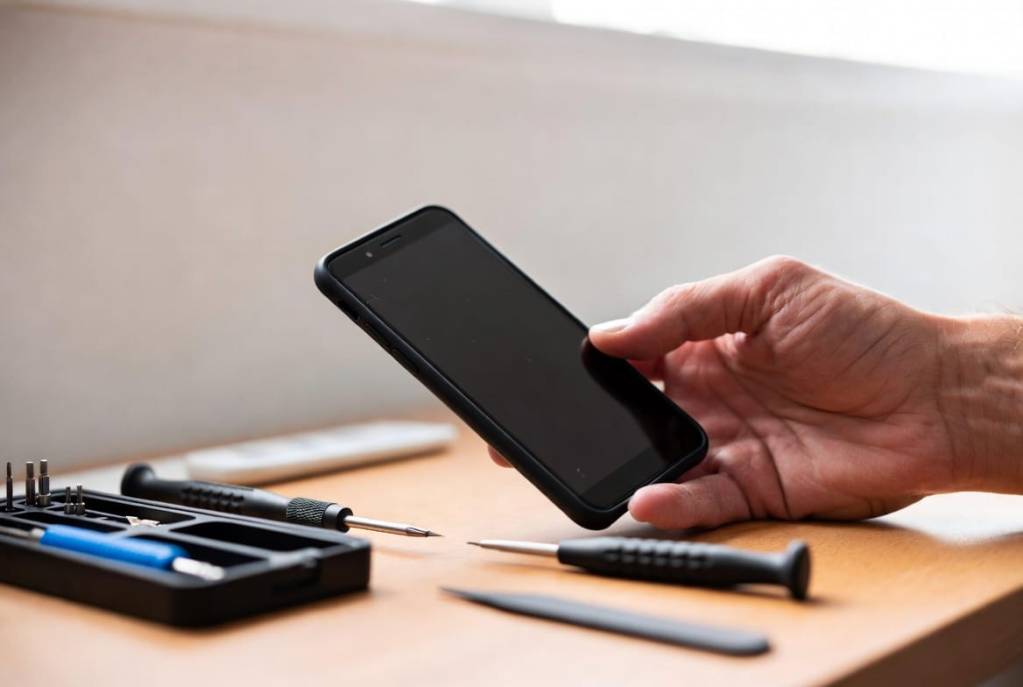
The locked iPhone X
A locked iPhone X holding photos and messages that mattered in a family matter. Hardware-level imaging (checkm8) produced a complete, verified copy of the filesystem — every photo, thread and timestamp intact, documented from intake to report.
Full copyFilesystem
Hash-checkedIntegrity
Intake→reportDocumented
Case file · Chip-level
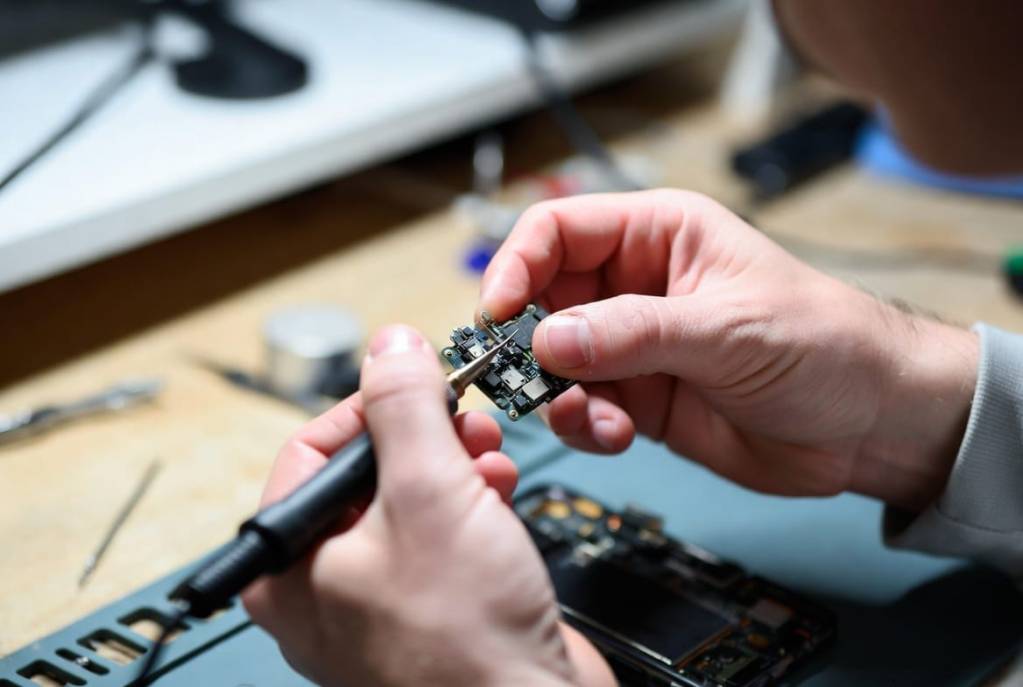
The iPhone 14 that was “gone”
Dead after board damage — no image, no response, written off elsewhere. Chip-level rework under the microscope brought the board back just long enough for one complete extraction. That’s all a recovery needs.
Chip-levelMethod
One bootAll it took
Full setMedia & chats
Case file · Liquid
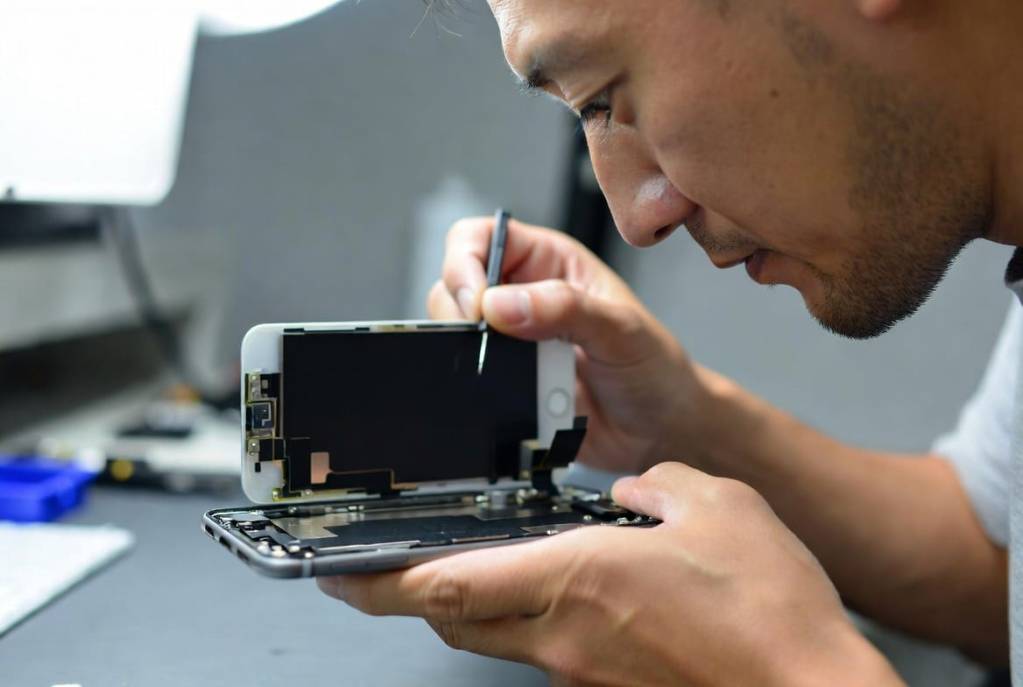
The weekend in the surf
Salt water is the hardest liquid we see — this one sat wet for two days before it arrived. Ultrasonic cleaning, corrosion treatment and board repair got it booting for a full copy of the camera roll before the corrosion won for good.
Salt waterLiquid
2 days wetBefore arrival
Camera rollRecovered
Honest numbers
What our 92% means for iPhones
92% is our overall recovery rate across 15,000+ jobs since 2016 — every device type, every fault. iPhone odds swing on what killed the phone, so here’s how the faults actually stack up on the bench.
| Fault | Recovery outlook | What decides it | The odds-killer |
|---|---|---|---|
| Smashed screen | Whether the board under the glass took the hit too — usually it didn’t. | DIY screen kits and pry-tool slips. | |
| Dead — won’t power | Which component failed — most “dead” phones are one part away from booting. | Repeated charge attempts on a shorted board. | |
| Boot loop / failed update | Whether the loop is software or NAND — both have bench paths. | Pressing Restore on the “attempting data recovery” screen. | |
| Water — fresh / pool | Hours-to-lab. Early ultrasonic cleaning changes everything. | Rice, hair dryers and “testing it” days later. | |
| Water — salt | Salt keeps eating the board while the phone sits — same job, harder every day. | The week it spent in a drawer after the beach. | |
| Board & chip damage | The condition of the NAND and its paired companions — assessed free, honestly. | Prior repair attempts by non-board-level shops. | |
| Deleted photos & chats | How much the phone has written since deletion — every day of use overwrites more. | Keeping the phone in your pocket, taking photos. |
Why no per-fault percentages? Because we only publish figures our job records verify — the 92% is real, and the per-fault breakdown will be published the same way or not at all. No invented numbers on this site.
A fair question
Is it worth paying for data recovery?
Honestly — not always. It depends on what the data is worth to you and what state the phone is in. Here’s the same advice we give over the phone, before anyone has spent a dollar.
When DIY is worth trying first
Your phone still works and the files were simply deleted? Check Recently Deleted, iCloud and old computer backups before anything else — that’s free. Just know that recovery apps can’t fix hardware, and every hour of normal use overwrites a little more of what you’re trying to save.
When the lab earns its fee
The phone is smashed, drowned or won’t turn on, and the photos exist nowhere else. Software can’t reach data on a phone that won’t boot — board repair can. The free diagnostic makes this decision cheap: you see a list of your actual files and a fixed price before you commit to anything.
When we’ll tell you to keep your money
Everything’s already in iCloud, or the data isn’t worth the quote to you — it happens, and we’d rather say so. That’s the point of proof before payment: if the diagnostic shows your files aren’t recoverable or aren’t needed, you’ve lost nothing but postage we paid for anyway.
Before you pick anyone — including us
How to choose an iPhone data recovery service in Australia
Four questions separate a real recovery lab from a mail-forwarding website. Ask all four of anyone you’re considering.
“Do I see proof before I pay?”
A serious lab shows you a list of your recoverable files and a fixed quote before taking a dollar. Here: free diagnostic, file list and proof-before-payment on every job.
“Who actually does the work?”
Plenty of recovery websites are booking desks that forward your phone on. Ask where the bench is and who’s at it. Here: one Brisbane laboratory, board-level micro-soldering and chip-level work done in-house.
“What will it cost — in writing?”
Vague “from $99” pricing turns into a surprise invoice once they have your phone. Here: published priority tiers in AUD, GST shown, and a fixed quote you approve before any work.
“Where does my data go?”
Your photos shouldn’t take an overseas holiday. Here: your phone and your data stay in one Australian lab, handled only by our engineers, with a live tracking link the whole way.
That’s the whole checklist — free diagnostic with proof, an in-house lab, fixed pricing, and data that stays onshore. Take it to every provider you compare, including us: 1300 806 557.
Transparent from the start
How much does it cost to recover data from an iPhone?
The honest answer: it depends on what’s broken, which is exactly why the diagnostic is free. You’ll get a fixed quote for your actual fault before any work begins — the only choice you make up front is how fast we start.
Standard
$0
Free diagnostic
- Free Express post-in label, or free collection in the Brisbane area
- Full fault findings plus a list of your recoverable files
- Fixed quote — approve it or walk away, no obligation
Critical Priority
$715
inc. GST upfront ($650 + GST)
- Jump the queue — your iPhone goes to the bench first
- Same free-diagnostic findings, fast-tracked
- Recovery itself still quoted after diagnosis
Emergency 24/7
$1,400
Upfront service fee
- An engineer on your job around the clock
- For business-critical and can’t-wait situations
- Recovery itself still quoted after diagnosis
Priority fees are upfront service fees in AUD; the recovery itself is always quoted after diagnosis — and every job sees file-list proof before payment.
Track My Recovery
Watch your recovery happen — live.
Every job gets a private tracking link. Follow your iPhone from arrival to diagnosis to “your files are ready” — no chasing, no wondering what’s happening on the bench.
Open Track My Recovery
This is the live product, not a mock-up — every job gets
this link with their unique ID.
Simple by design
3 steps to get your data back
1
Contact & free diagnostic
- Call or send the form — we email a free tracked Express post-in label, or collect free in the Brisbane area.
- Your iPhone gets a unique job ID and a full diagnostic on the bench.
2
File list & fixed quote
- You see exactly which files are recoverable — photos, chats, videos, contacts.
- One fixed price. Approve it, or walk away with no obligation.
3
Proof, payment & return
- We show you proof of your recovered files before you pay.
- Data handed back on new media or secure download, with tracked shipping.
15,000+Clients since 2016
92%Recovery rate
4.8★Google rating — 95 reviews
24/7Emergency response
Cellebrite UFED Equipped
PC-3000 by ACE Lab
ISO Class 5 Rated Clean-Air Equipment
Chip-Off & Board-Level Extraction
Apple Board-Level Micro-Soldering
Keep exploring
Related recovery services
Mobile Phone Data Recovery
The parent service — every brand, every fault, one Brisbane lab.
Mobile Phone Forensics
Forensic extraction with documented handling from intake to report.
Physical Damage Recovery
Crushed, burnt and broken devices of every kind, assessed free.
Hard Drive Recovery
Clicking, beeping or dead drives — the flagship Wildfire service.
Forensic Data Recovery
Evidence-grade recovery for solicitors, businesses and individuals.
Free Shipping & Intake
How the free Express post-in label and Brisbane collection work.
Straight answers
iPhone data recovery FAQs
My iPhone is completely dead — is my data gone?
Almost never. The storage chip usually survives whatever killed the phone — drops, water, charging faults, even fire. We repair the board until the phone can run one full extraction, unlock it with your passcode and copy everything off. Our overall recovery rate is 92%, and the free diagnostic tells you what’s recoverable before you spend anything.
Apple said my data is unrecoverable. Is that final?
Not necessarily. Apple stores replace devices — they don’t do board-level repair, so “unrecoverable” at the Genius Bar often just means “we don’t do that here.” Micro-soldering, donor parts and direct board work recover many iPhones that were written off. The second opinion is free.
Can you get into a locked iPhone without the passcode?
Here’s the honest answer: iPhones are hardware-encrypted, and recovery works with your passcode. If the passcode is unknown — forgotten, or a deceased family member’s phone — we assess feasibility case-by-case with proof of ownership, and we never guarantee an outcome. Anyone who promises otherwise is guessing with your money.
I dropped my iPhone in water — what should I do right now?
Switch it off and leave it off. Don’t charge it, don’t “try it one more time”, and skip the rice — none of that stops corrosion, which starts within hours. Call us and we’ll email a free Express post-in label, or collect it free in the Brisbane area.
How much does iPhone data recovery cost?
The diagnostic is free and produces a fixed quote for your phone’s actual fault — you approve it before any work starts, and you see proof of your files before you pay. If time matters, Critical Priority ($715 inc. GST upfront) and Emergency 24/7 ($1,400 upfront) move you to the front of the queue.
Is my data kept private?
Yes. Your iPhone is only ever handled by our engineers, in our own Brisbane laboratory, and your files are only accessed as far as the recovery requires. Your details and your data are never shared.
What’s the best iPhone data recovery app?
Honest answer: for a working phone, start with the free ones Apple already gave you — Recently Deleted, iCloud and your old computer backups. Paid recovery apps promise more than iOS encryption actually lets them deliver, and no app on earth can help a phone that won’t boot, won’t charge or has board damage. That’s bench work. If the app road has already failed, stop running scans — every write costs you files — and get a free diagnostic instead.
How do I restore my iPhone without a computer?
Settings → General → Transfer or Reset iPhone → Erase All Content and Settings — then sign in and restore from an iCloud backup. But read that middle step again: erase. Restoring wipes the phone first, so if it’s misbehaving and your photos aren’t safely backed up, restoring is the one move you can’t take back. Get the data secured first; restore second.
My iPhone is stuck on “attempting data recovery” — what should I do?
The “attempting data recovery” iPhone screen appears when an iOS update goes wrong partway through. Sometimes it finishes on its own — let it try. What you shouldn’t do is force a restore: restoring erases the phone. If it’s looping on that screen and your photos aren’t backed up anywhere, stop and call us before you press anything else.
Do you service my area?
All of Australia. Home base is the iPhone data recovery Brisbane already knows — our own laboratory — and your iPhone gets here with a free tracked AusPost Express label from any state. Most of our iPhone jobs arrive by overnight post from Melbourne, Sydney, Perth and regional towns alike, and in the Brisbane area we collect free from your door. Start on 1300 806 557 or the quote form above.
Speak bench
iPhone recovery, translated
The terms you’ll hear from us — and from anyone else you get a quote from — in plain English.
- NAND
- The soldered flash-memory chip that holds everything on your iPhone — photos, messages, apps. There’s no removable drive; this chip is the whole story.
- PMIC
- Power Management IC — the chip that feeds every other chip its exact voltage. When it fails, the phone plays completely dead while your data sits untouched.
- Secure Enclave
- The security processor inside the A-series chip holding the encryption keys tied to your passcode. It’s why real recovery keeps your board alive instead of moving chips around.
- Boot loop
- A phone stuck restarting on the Apple logo — often after a failed update. Recoverable far more often than the “Restore” button suggests.
- Board-level repair
- Diagnosing and repairing individual components on the logic board under a microscope — the skill that separates a recovery lab from a screen-swap shop.
- Micro-soldering
- Soldering at the scale of a grain of sand: replacing single chips and rebuilding damaged pads and traces on the board.
- Chip-off / chip-level work
- Working directly with the memory and its paired components when the board itself is beyond repair — the last resort that saves “unrecoverable” phones.
- checkm8
- A hardware-level imaging pathway on older iPhones (roughly iPhone X and earlier) that lets a lab take a complete, verifiable copy of the filesystem — the backbone of our forensic iPhone work.
- “Attempting data recovery” screen
- iOS’s own message when an update went wrong mid-install. Let it try; never force a restore from it if your photos aren’t backed up.
Your photos are worth a phone call.
Free diagnostic, fixed quote, proof before payment — and if it’s not recoverable, you’ll get that answer honestly, for free.
1300 806 557